FashionBaby
Create baby outfit photos with AI
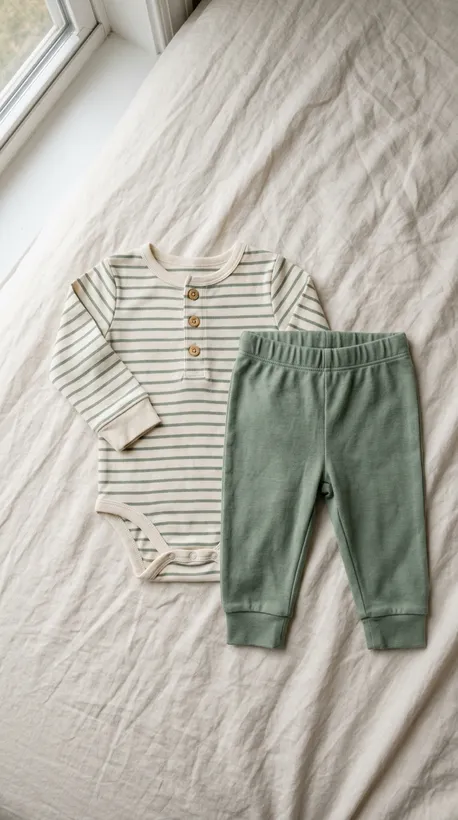
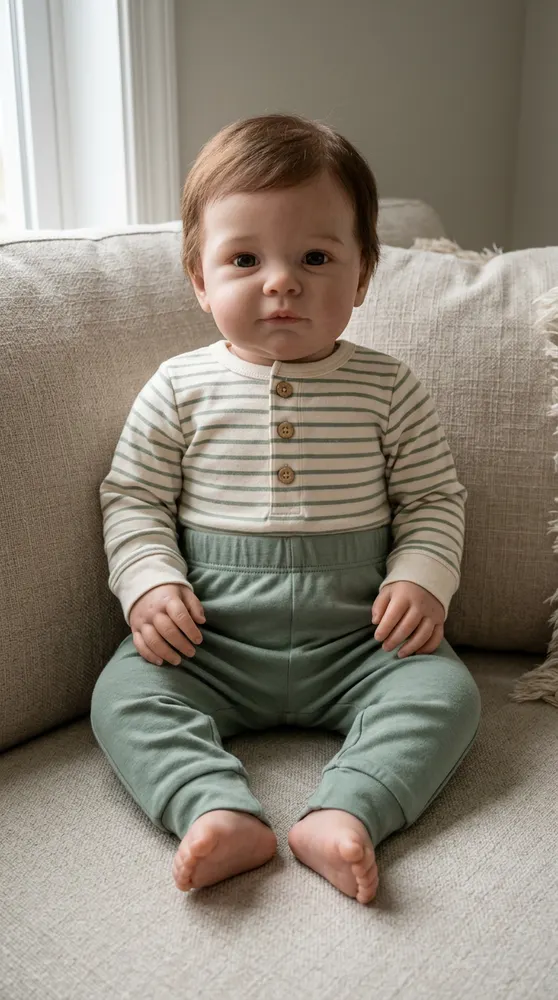
Use the baby AI generator to turn a flat lay or product screenshot into a clothing photo for your shop. Choose a character by age, keep a favorite for your next product, and decide how the background should look.
Open studioKeep the garment front and center
Photograph each piece in the same light so the color and fabric are easy to compare. For a layered outfit, include both pieces and tell the studio which one goes on top.
Choose a model and scene
Select a character aged 0–6 months through 2–3 years, or let the studio choose. Select a background, describe your own setting or supply an authorized reference photo.
Review the image
Compare the new first frame with the original. Check logos, text, closures and accessories. Approve the result to download it or animate it later.